Start from the launcher.
Click the Notetaker control or use Control–Option–P. Grant microphone and system audio permissions so Wisp can hear your side and the sound from the call.
 wisp
A conversation deserves your attention. Wisp records both sides on your Mac and gives you a transcript and a draft to review.
Zoom · Google Meet · Teams · FaceTime
Click the Notetaker control or use Control–Option–P. Grant microphone and system audio permissions so Wisp can hear your side and the sound from the call.
The live transcript works without Apple Intelligence. When its on-device model is available, Wisp also drafts summaries, decisions, and action items. Verify names, dates, and commitments against the conversation.
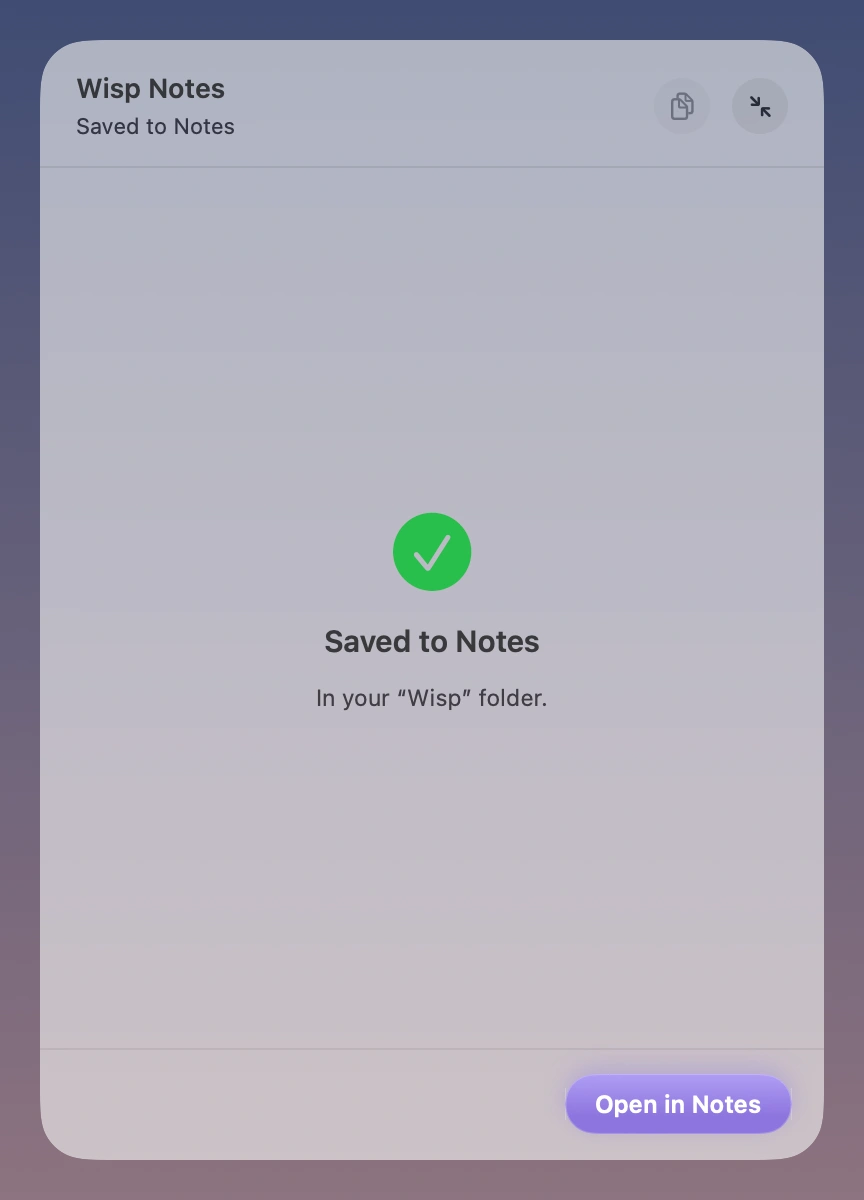
Edit the draft, then choose Save to Notes. You can include the transcript and an optional recording. Existing recordings can also be imported; a mixed recording is not automatically split by speaker.
No. Wisp captures the microphone and audio playing on your Mac. It does not join as a participant. Tell everyone you are recording and get their consent before starting.
An Apple silicon Mac on macOS 26 or later. AI summaries, Smart cleanup, and rewriting need an available Apple Intelligence model.
Speech processing happens on your Mac. When you insert text into another app or save to Apple Notes, that app’s own storage and sync settings apply.
Explain the bug, the constraints, and what a good fix looks like. Wisp puts your words into the editor or terminal you already use.
Read moreStart with a rough paragraph, a headline, or an entire train of thought. Say it into your writing app and shape it from there.
Read moreJoin early access. A 7-day trial and $9 launch price when Wisp is ready.
macOS 26+ · Apple silicon